Roboto Clock Widget - A Simple Widget with Roboto Style

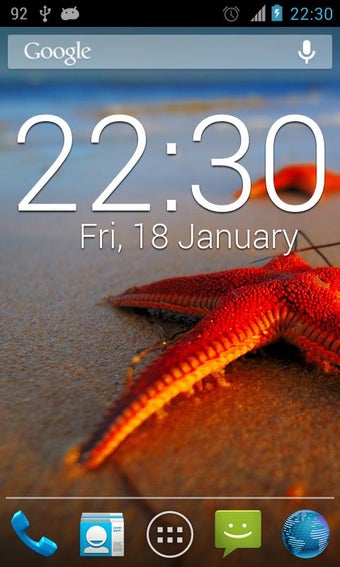
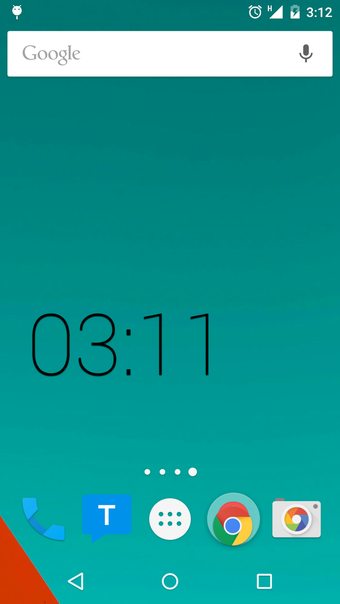
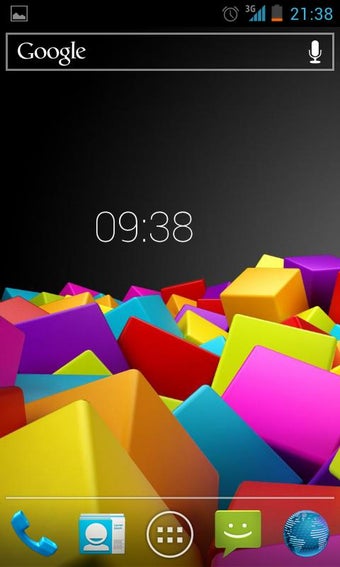
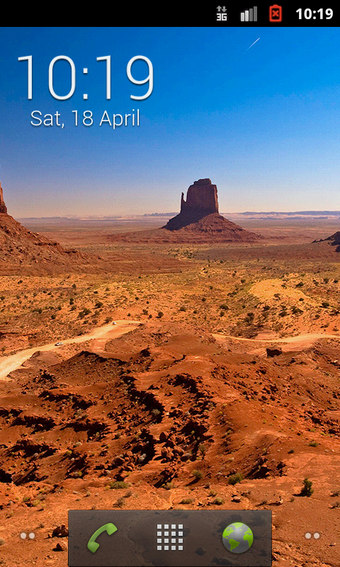
Roboto Clock Widget is a clock widget designed for Android devices. It is developed by Andrew Dev and is available for free under the Personalization category. The app is compatible with Android 9.0 and higher.

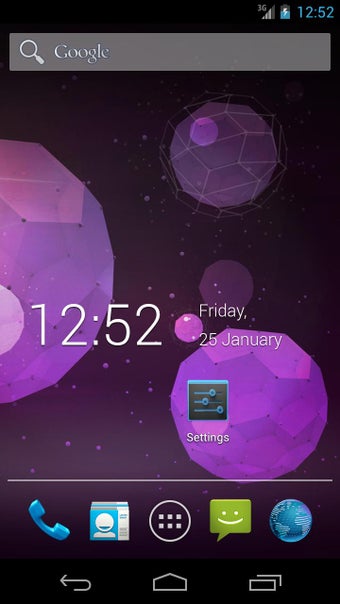
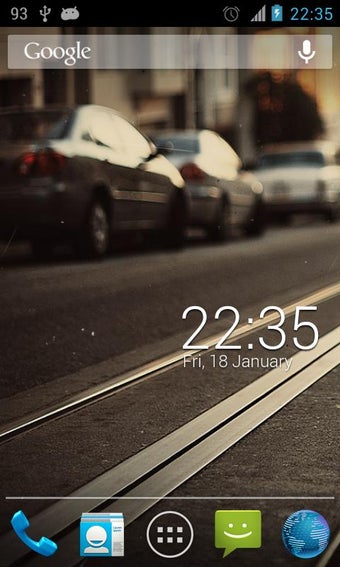
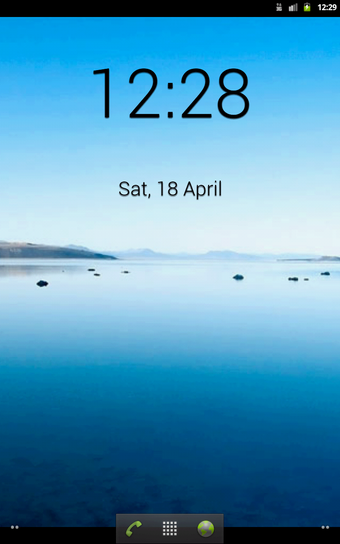
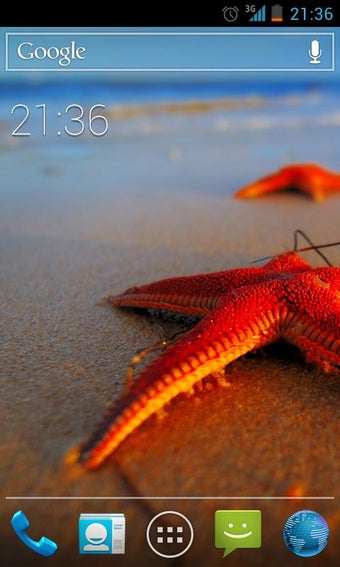
This widget is a simple and elegant option to customize the home screen of your device. It features thin text that looks great on different screens. The widget comes with various features that include enabling/disabling shadows, setting the time format, enabling/disabling the date, and running the clock by touching. It also offers different widget sizes, including 2x1, 3x2, 4x2, and 4x1.

The Roboto Clock Widget is a great addition to Android devices for those who want to keep their home screen simple and clean. The app is easy to use, and the customizable features make it a versatile choice. If you have any recommendations for improvement, you can contact the developer at

Keywords: clock widget, digital clock.
 0/8

App specs

  • License

    Free

  • Version

    2.1

  • Latest update

  • Platform

    Android

  • OS

    Android 9.0

  • Language

    English

    Available languages

    • German
    • Russian
    • Portuguese
    • Portuguese
    • French
    • Polish
    • Spanish
    • English
    • Hindi
    • Norwegian
    • Finnish
    • Chinese
    • Swedish
    • Korean
    • Chinese
    • Greek
    • Italian
    • Czech
    • Arabic
    • Japanese
    • Danish
    • Dutch
    • Turkish
  • Downloads

    33

  • Size

    432.84 KB

  • Developer

  • Download Options

    APK, Google Play

  • Filename

    ru-develop-clock-23-17379527-26caf944e74f8c2acd4026b70195e047.apk

Program available in other languages


User reviews about Roboto Clock

Have you tried Roboto Clock? Be the first to leave your opinion!

Add review

You may also like

Explore Apps

Latest articles

Laws concerning the use of this software vary from country to country. We do not encourage or condone the use of this program if it is in violation of these laws.
Softonic

Is Roboto Clock safe?

100/100

Score result: Clean

This file passed a comprehensive security scan using VirusTotal technology. It is safe to download.

  • Virus free
  • Spyware free
  • Malware free
  • Verified by Security Partners

    VirusTotal logo

Scan Info

Last scan
Friday, December 8, 2023
Scan provider
VirusTotal · Full report

File Integrity

File
ru-develop-clock-23-17379527-26caf944e74f8c2acd4026b70195e047.apk
SHA256
1de6848284edc9df6d093c704cc1e393741aa17f765f6d182dc5aa0348298ea7
SHA1
5d42baecc8878f4141f72e955c1181140549d8ed

Softonic security commitment

Roboto Clock has been thoroughly scanned by our advanced security systems and verified by industry-leading partners. This file comes from the official developer and has passed all our security checks, showing no signs of viruses, malware, or spyware. For more information, visit our Security and Trust Center